
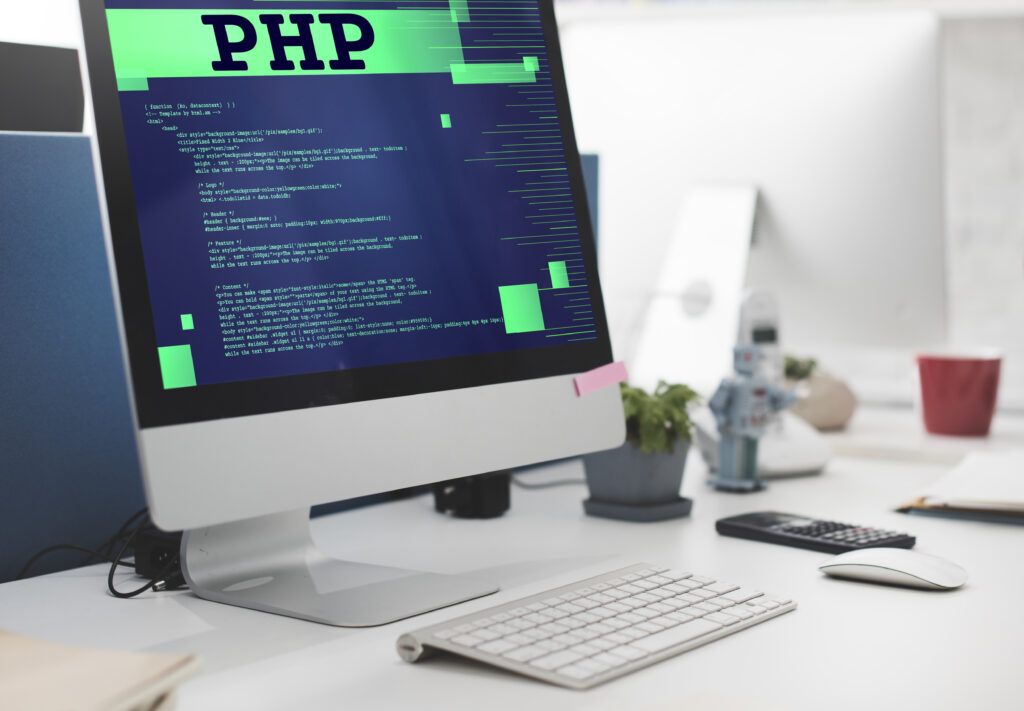
I will design and web development a modern and functional website for you. In the link below, you can see my projects that I have recently completed.
A website newrestaurant.pl I haven't finished yet, because i also have to rebuild it for mobile devices. However, you can already see some cool effects on this page
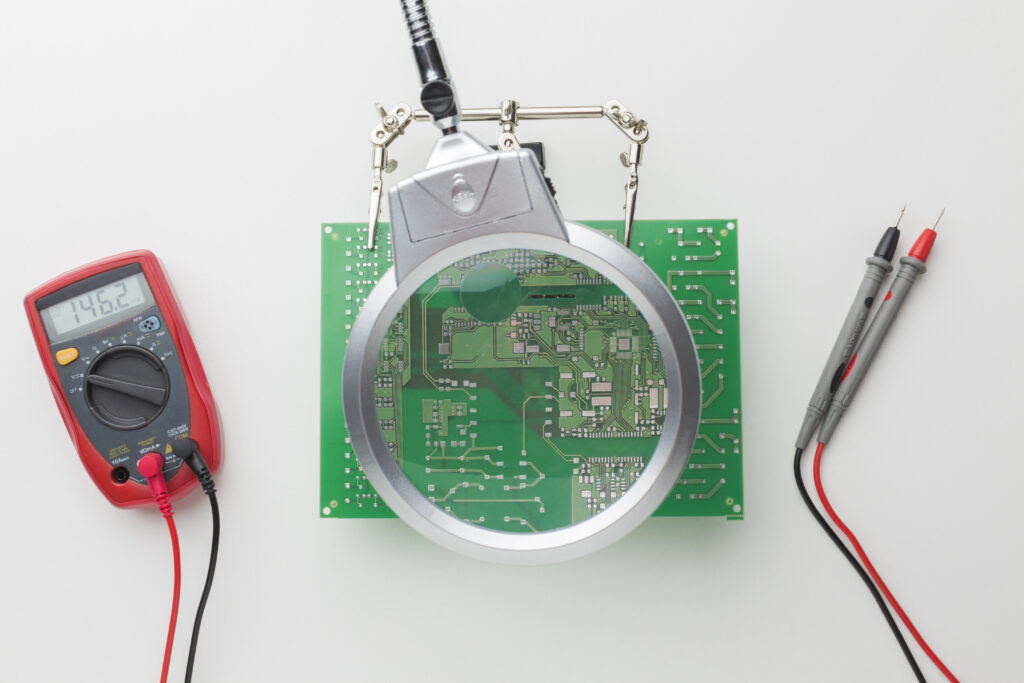
I also offer software and hardware services. I have been servicing laptops and computers for almost 18 years.
-Windows installation
-Updating, fixing system errors and optimization
-System configuration and protection
-Replacing SSD and HDD drives
-Data recovery from hard drives
-Cleaning and maintenance
-Removing viruses from your computer
-Replacement of the drive, cooling system and power supply
-Replacing USB/HDMI sockets
-Replacement of Ram, Processor, GBA, motherboard
-Repair after flooding a laptop
-Short circuit / laptop does not start
-Replacing the power socket if it is damaged
-Electronics repair
-And other
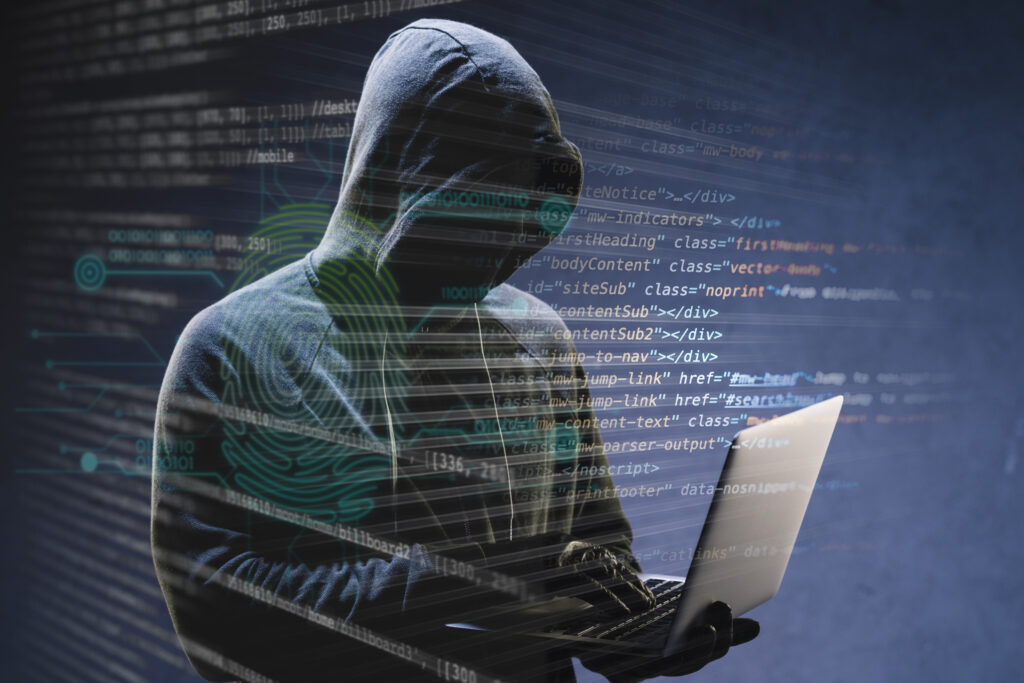
When hacker attacks on the Internet, using a technique:
-"Phishing"
-"DDoS"
-"Cross-site scripting (XSS)"
-"SQL Injection"
-and other.
It makes pose a big threat to our security on the Internet. You can lose your important data and money.
This is a very broad topic, so as my website develops, I will try to post various articles about online security.
First, follow these basic internet safety rules: 🙂
-Make sure, you have a strong password to access the application, etc.
-Do not open e-mails and do not click on any links from suspicious senders
-Do not click on ads that appear in your browser or on your desktop. Because sometimes there can be a hidden virus there
-Remember to regularly update your operating system and antivirus software
-Use a firewall
-Use multiple email addresses. Don't use just one for different web applications
-Always log out of an application you are not currently using.
-Provide your confidential data only on websites with an SSL certificate
-Use two-step verification in banking systems
-Download files and programs only from trusted sources
-Use public Wi-Fi networks very carefully
-Secure your router at home
-Check if you are not installing additional tools together with the program
-Use a good antivirus suite
-Do not open files saved on external media before scanning them
-Don't go to suspicious websites
-Absolutely do not post documents containing your personal data on any forums on the Internet.